


Changes
-
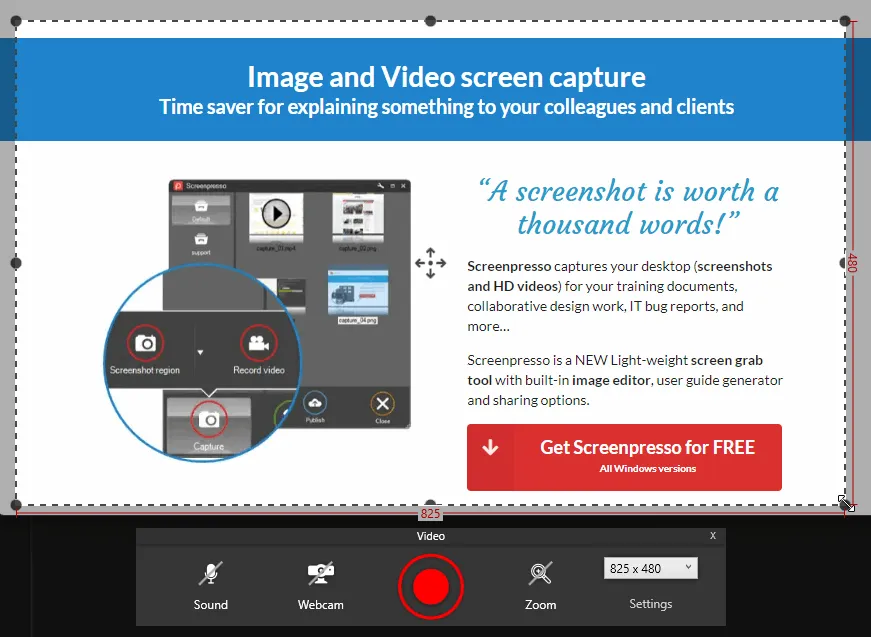
New video capture look and feel
-
Added a new feature that detects sensitive data (emails) in the screenshot to blur it automatically (PRO)
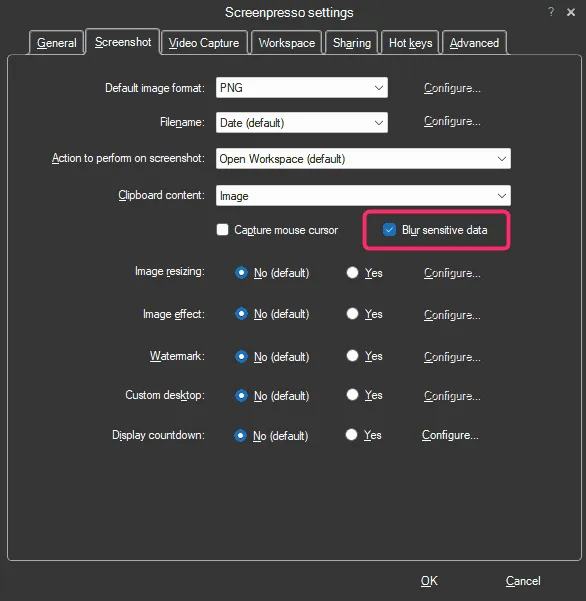
Sample result:

-
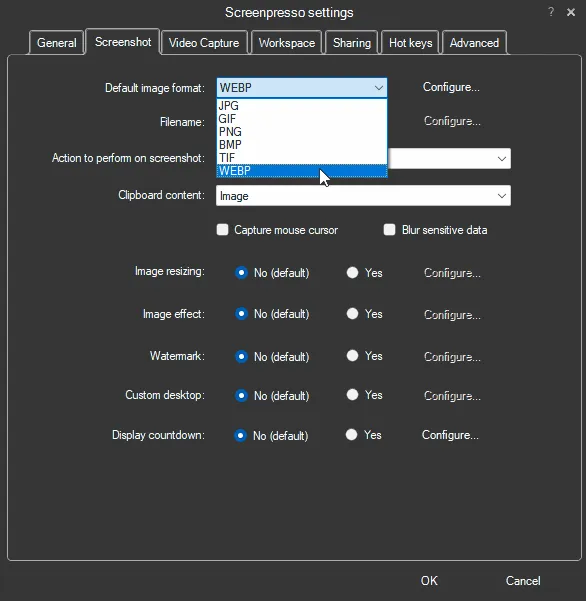
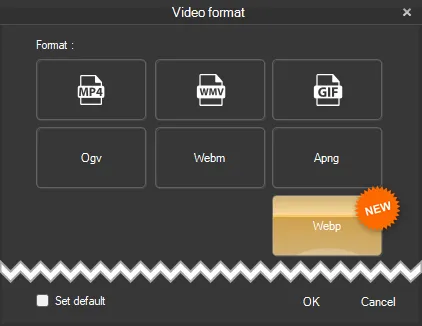
Built-in support of Webp image file format
-
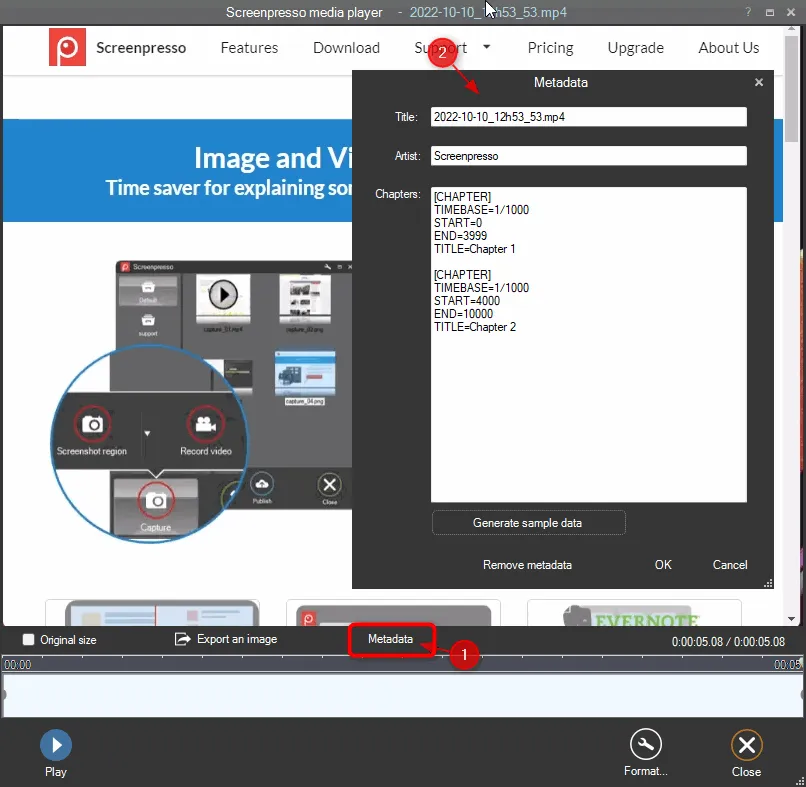
It is now possible to edit the metadata of a video and add chapters (bookmarks) (PRO)
-
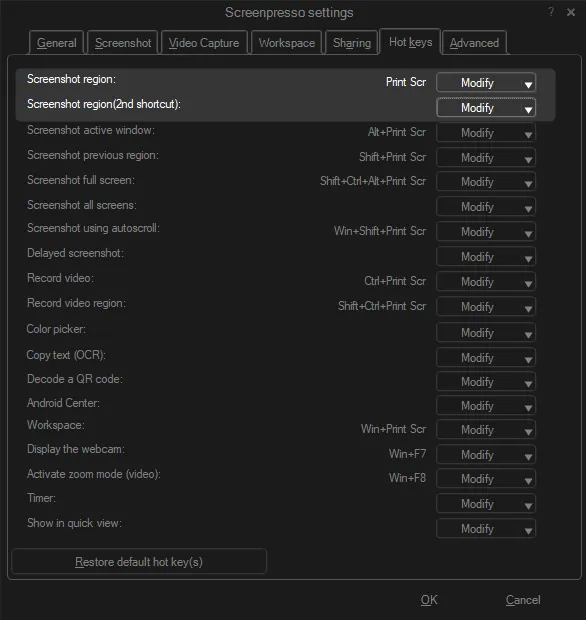
It is now possible to set 2 different shortcuts for the PrintScreen key (PRO)
Whether your laptop is plugged into a docking station with a physical keyboard or on the go without a PrintScreen key, you can set up two hotkeys.
-
In the border effect window of the image editor, the new torn edge ratio setting is now disabled if no torn edge effect is selected
-
Reviewed the print window to be more compliant with Windows 11
Bug fixes
-
Fixed system sound recording crash with surround sound cards
-
Fixed UnspecifiedError calling waveInOpen message when the microphone’s access is denied via the Microsoft Windows settings panel in the ‘Privacy & security area
-
Fixed a crash when capturing a screen area having a size of 1x1 pixel
-
Fixed an issue in the image editor with font size not being well saved in templates for high dpi images
-
Fixed popup of drawing items in the image editor displayed out of the screen when having a lot of templates
-
Fixed an issue with the Windows OCR