
Changes
-
New video toolbar look and feel

-
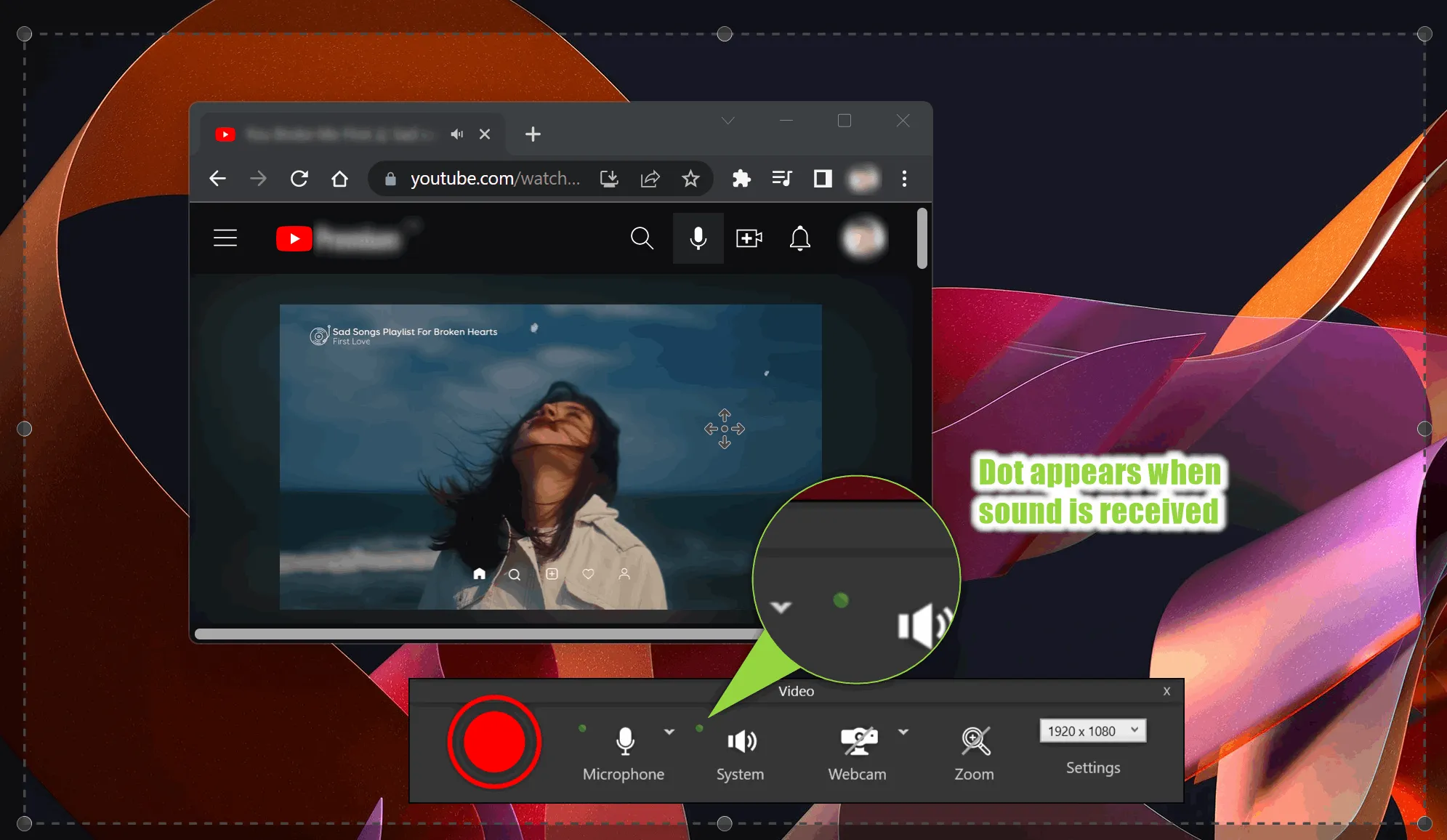
Added VU meter to the video toolbar. You can now see the sound intensity and make sure the sound is properly recorded
You can also mute the sound live during the recording and check which microphone is used to avoid mistakes.
-
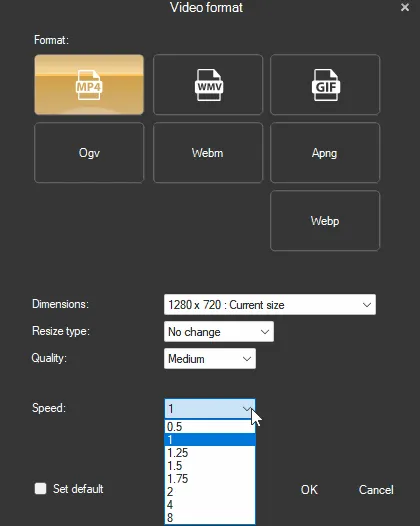
Added new video speed presets to the playback list: 1.25 and 1.75
-
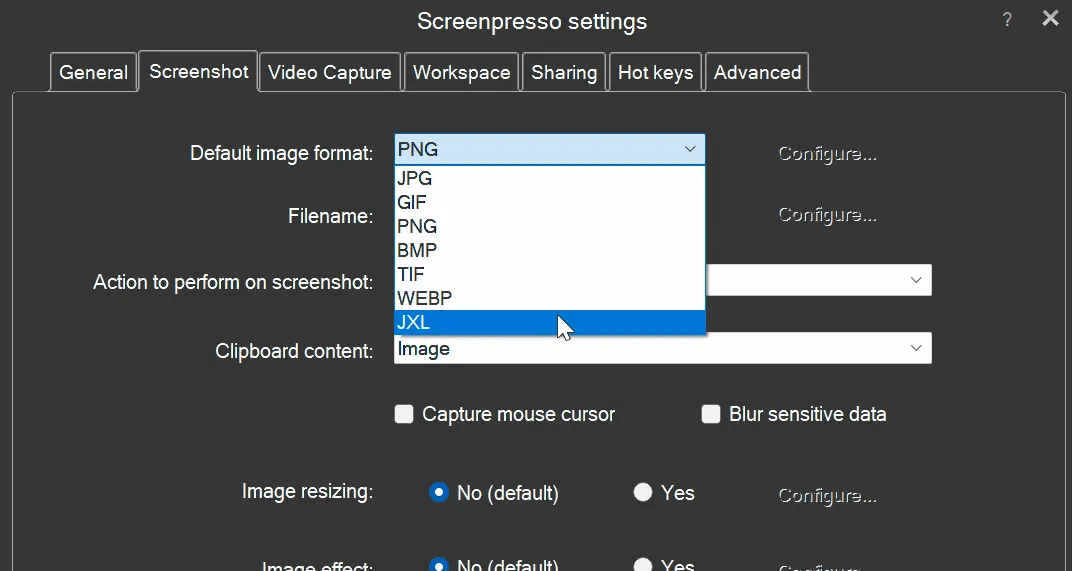
Added support for JPEG XL image file format
-
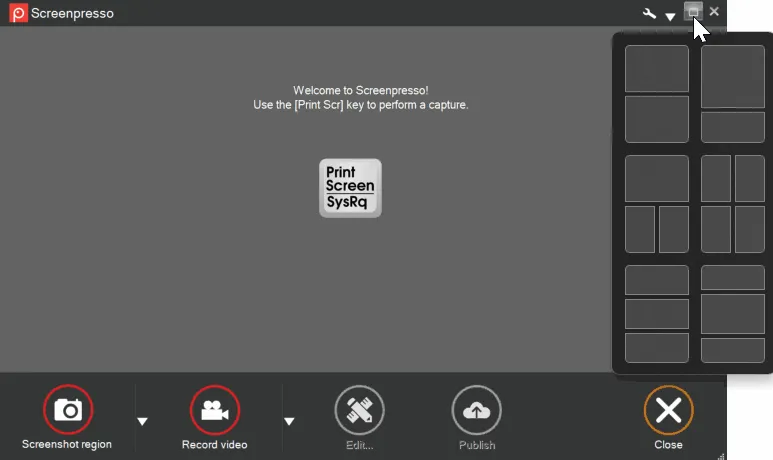
The custom ‘Maximize’ button of all Screenpresso windows now acts as a standard Windows 11 ‘Maximize’ button
-
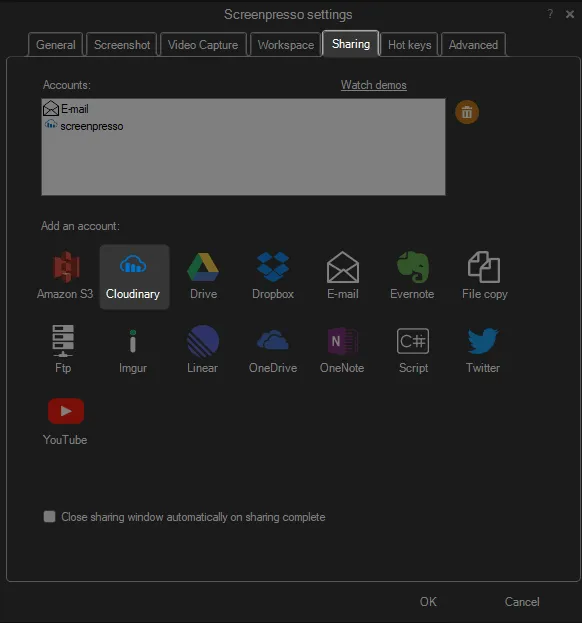
Added built-in support of Cloudinary image and video hosting
-
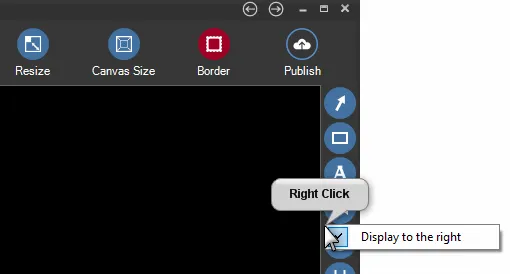
Added the possibility to move the toolbar to the right of the editor window
-
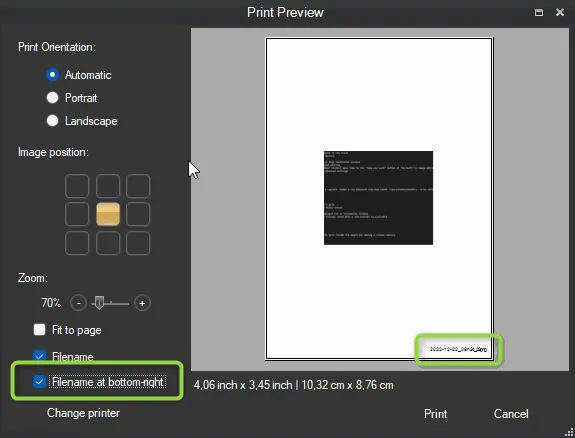
Added ‘Print filename at the bottom-right’ option to the print dialog
-
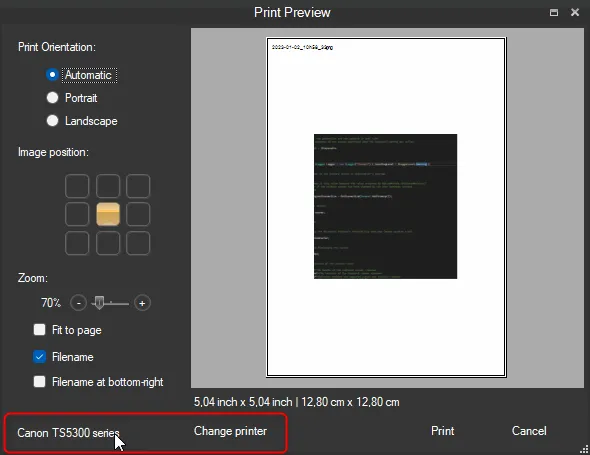
Added the name of the selected printer to the print dialog
-
Improved the history display of published files
-
The print settings are now persisted, your settings will be applied again for your next printings
-
Added ‘NoFirstTimeMessages’ policy and command line argument
-
Renaming a file in the workspace now warns if a file with the same name already exists
-
Refreshed the help displayed at the first use of the capture auto-scroll feature
-
Hidden Screenpresso’s subfolders are now created only when necessary
Bug fixes
-
Fixed an exceptional case when a recorded avi file could autodelete itself
-
Restored the possibility to scroll the image in the image editor horizontally using Alt+MouseWheel
-
Improved FTP sharing feature to avoid an error when the account has special security restrictions
-
Better handling of a locked folder (issue was happening when OneDrive synchronized the working folder)
-
Improved license update when using an activation.lic file
-
Improved Avast! antivirus detection