
Features
Discover all the features of Screenpresso
Capture screenshots including scrolling parts
Press the Print Screen button, and you will see how Screenpresso magically assists you in screen capture:
The mouse cursor will turn into a crosshair, and moving it around the screen will automatically highlight the area that can be captured in red. It does some pretty cool edge snapping to the screen, so you can choose to grab part of a window, or the entire window, or even the whole screen.
- Capture full screen, part of the screen or a specific window with the same shortcut/hotkey
- Make sure to capture what you need. Click and drag anywhere on your screen to select a region with pixel-perfect accuracy thanks to the zoom lens at the right bottom of the screen
- Capture scrolling windows: Can’t fit it on the screen? Make a unique image of scrolling windows thanks to the stitching mechanism
- Capture your mouse cursor and the context of the capture
- Delay capture for capturing context menu
Capture your screen in HD videos
A small video is a key to reduce misunderstanding in documentation.
Screenpresso records your screen in a video and produces lightweight MP4 video files for easy sharing.
- Capture in MP4 format for lightweight files
- Capture sounds and webcam
- Export frames/images
- Crop the video
- Mute, change video speed, or change the format
Smooth workflow
It has a 3-step process:
- Press [PrintScreen] key to start a Capture. You don’t need to bother on filename
- Edit your capture with built-in editor
- Publish your capture (PDF, email attachment, drag anywhere or post online)
Powerful built-in image editor
Screenpresso provides a built-in vector image editor to mark up your screen captures.
- Double-click on an image in the Screenpresso’s workspace to open the editor or click on the Edit button
- Add arrows, spotlight an area, colorful speech bubbles, rectangles, ellipses, text boxes, callouts and more
- Crop, add drop-shadow, rounded corners, reflection, torn edges and more fancy border effects
- Step Tool: quickly highlight a series of steps: each click gets the next number in the series
Workspaces and libraries
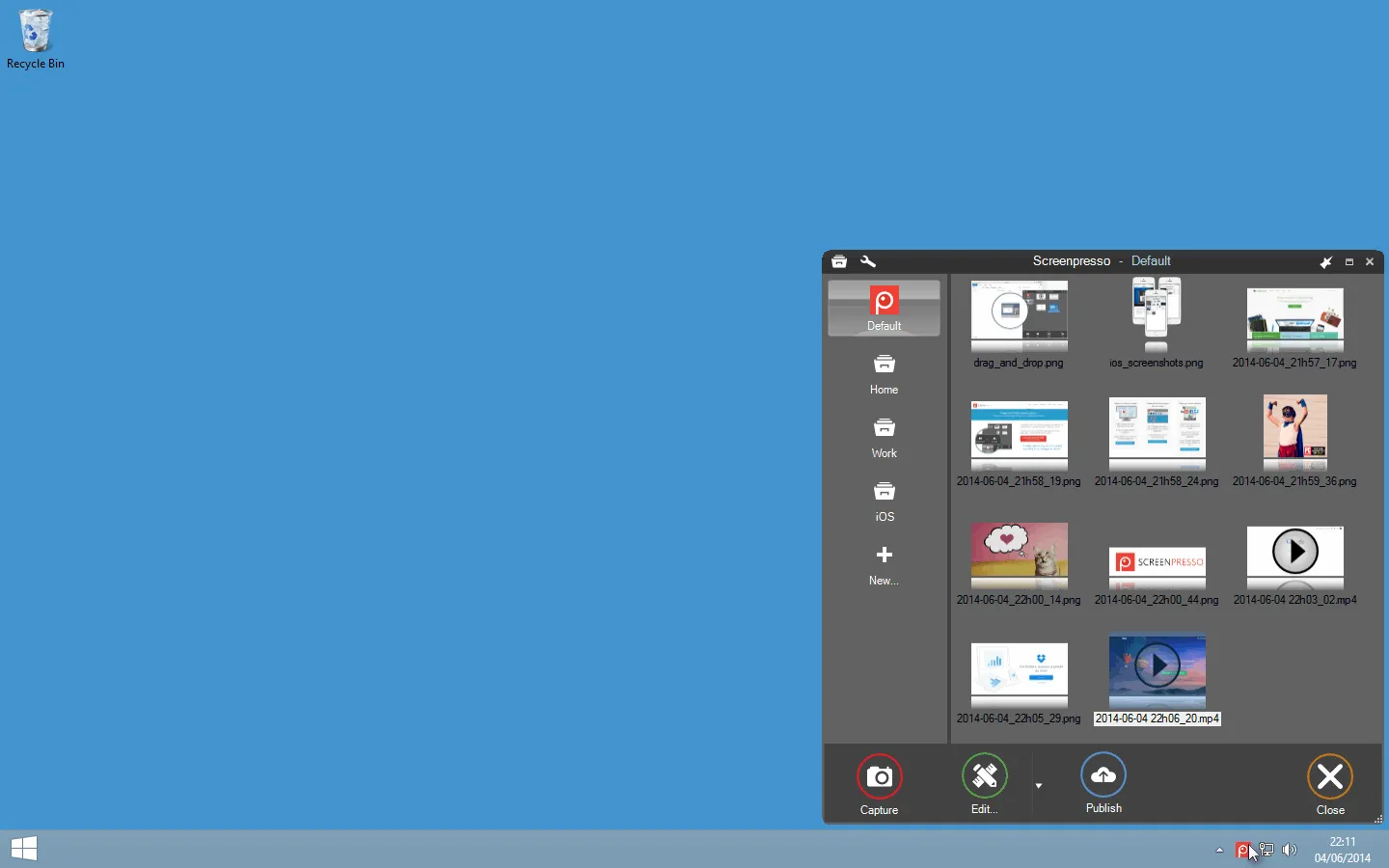
All screen captures are automatically saved to a widget-like panel called the “Workspace” which provides you:
- Quick and direct access to your previous captures (images, videos, documents)
- Drag and drop files to and from the workspace to editing tools, e-mail clients, and other programs
- Shortcuts to organize, print, copy to clipboard past captures
- A toolbar to start a new capture, edit, and publish your images and clips
Other captures
- Capture an image containing text and reconize it thanks to the built-in OCR
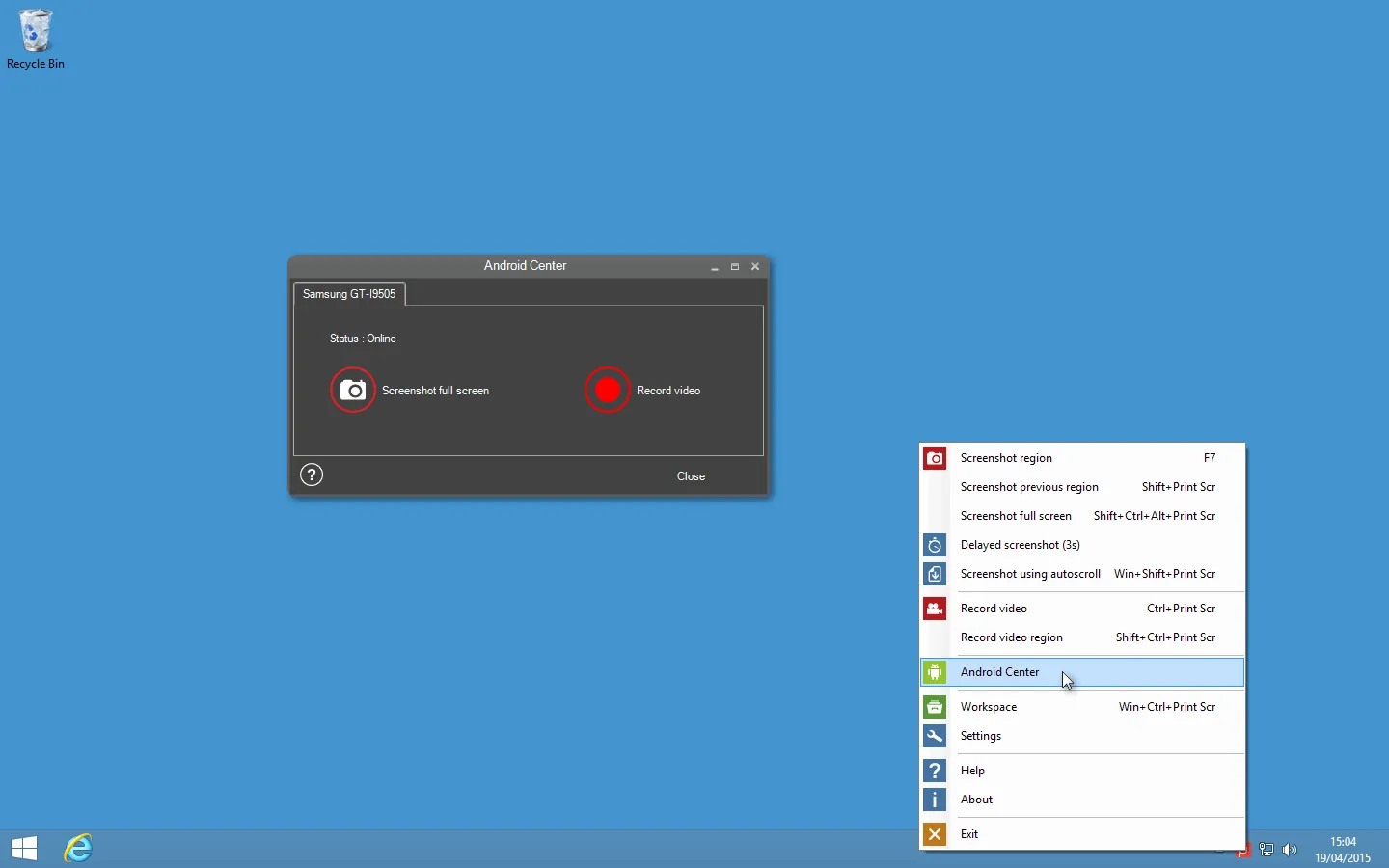
- Capture your connected Android device in images and videos thanks to the Android center
- Capture and decode QRCodes
Document generator
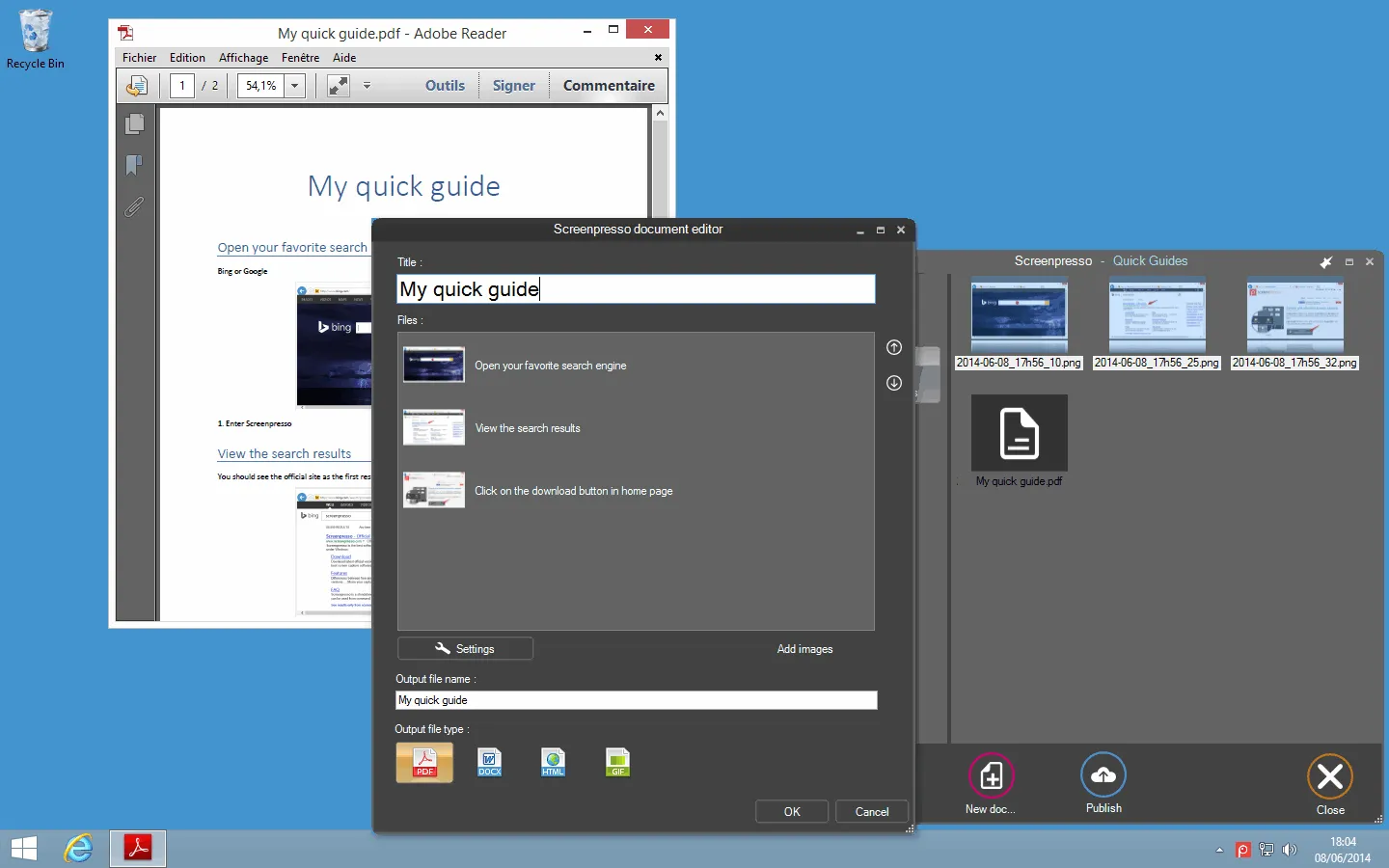
Screenpresso can also generate PDF, Microsoft Word (DOCX) or HTML documents based on images and comments. This feature is great for quickly generating user manuals, training or even a review in a couple of minutes.
Run without install
No need to install the application, you can choose to install or run it directly after download.
Screenpresso works in the background to be always immediately available, with extremely low memory usage

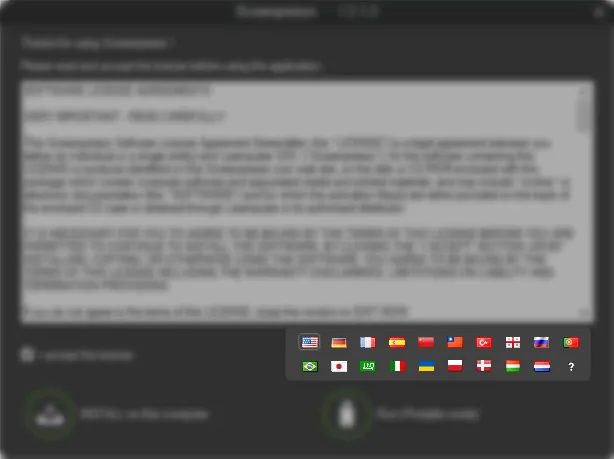
Support for 22 languages
Screenpresso is natively available in:
- English
- French
- German
- Spanish
- Japanese
- Russian
- Chinese Simplified
- Chinese Traditional
- Turkish
- Georgian
- Portuguese
- Brazillian
- Arabic
- Italian
- Ukrainian
- Polish
- Danish
- Hungarian
- Dutch
- Swedish
- Czech
- Norwegian
Custom Deployment
Screenpresso is ready for companies. IT can customize Screenpresso to enable/disable features to fit business constraints and ease the deployment on all company’s PCs.
MSI is available as well as policy features to disable specific features.
Screenpresso works on CITRIX and Microsoft Remote Desktop Services.
Multiple Windows versions are supported
- Windows 11 64 bits
- Windows 10 64 bits
- Windows Server 2019 64 bits
Chrome extension
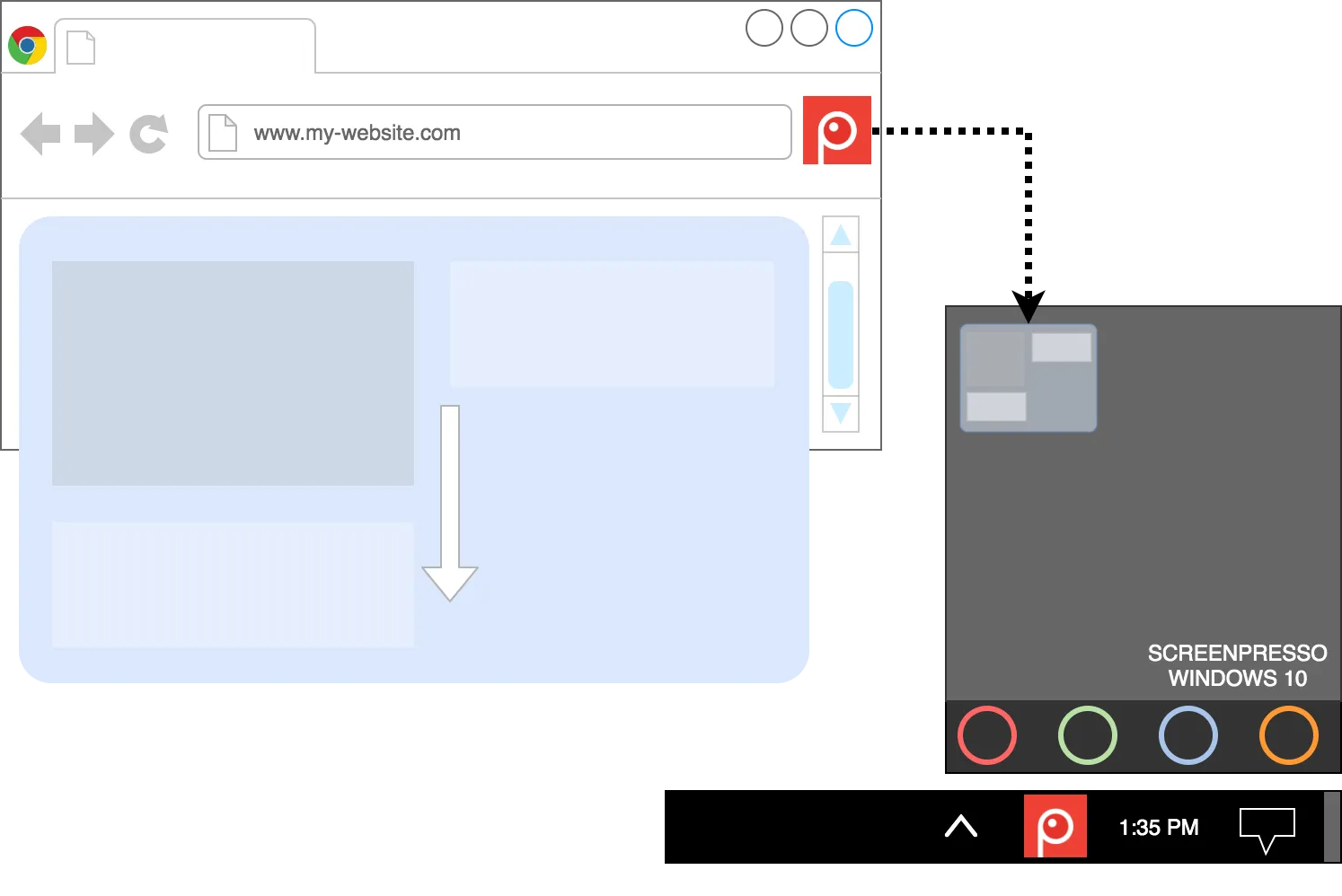
A Chrome extension captures scrolling pages in one click and opens the captured image directory into your Screenpresso desktop application.
Ready to get started?
Download Screenpresso for free and discover all these features.
Download for free